Fisher & PaykelRepair Miami

234 conditions, read from the maker's own paper

Fisher & Paykel error codes, and the machine matters more than the number.

A1 is an overheated oven and a DishDrawer that did not fill. A3 is a door that will not unlock and a drawer that will not drain. On this maker a code belongs to the appliance, not to the badge — so every page here names the machine in its own title, and the first thing to tell us is which one you are looking at.

  • 234 conditions published
  • 25 with a meaning the maker prints
  • 122 user guides read
  • from $95 diagnostic, credited to the repair

Search the archive

Type what the display is showing

Partial entries work, and letters matter here — FDOR is not F. If your machine has no display at all, describe the pattern of flashing lights instead and start from the symptom pages.

The same number belongs to more than one machine on this maker, so the results name the appliance as well as the code. Nothing here is invented: where the maker publishes a family of conditions rather than a meaning, the page publishes the family and says so.

How to read one

A letter, a number, and a machine. All three are the code.

This maker uses a letter to say what kind of condition it is and a number to identify it — but the same letter and number mean different things on different appliances, because each machine carries its own table. Reading a code without knowing the machine is reading somebody else's problem.

Reading A3

We publish what the maker publishes. Where it prints a meaning, the page has one. Where it prints a family — "temperature sensor errors: F3, F4, F5" — the page says the family and stops. Inventing the rest would make these pages look fuller and make them wrong.

The shapes this maker writes

  • A1 A letter and a small number. Alert conditions on ovens, ranges and DishDrawers, most with published steps
  • F212 F and three digits, on ovens. Around sixty of them, grouped into four families with no individual meanings
  • Er22 Er and two digits, on induction cooktops. A different alphabet again, and also published as families
  • FDOR Letters instead of digits, on ovens. These four — FPOT, FDOR, FAdc, FrEL — do have meanings
  • 5 beeps On refrigeration there is often no display at all. The machine counts beeps and flashes an LED, and the count is the number

How many conditions each machine publishes

Ovens 68 conditions — three with meanings, four lettered ones with meanings, and around sixty F numbers grouped into families
Freezers 47 conditions across five families, all of which the maker says need a technician
Dishwashers 36 conditions, and they split in two: the DishDrawer alphabet and the drop-door one, which are not the same
Refrigerators 35 conditions, reported by counting beeps or reading an LED rather than on a screen
Wine cabinets 31 conditions in four families, with no owner-side reset published for any of them
Cooktops 13 conditions, and not one of them comes from a user guide — no cooktop guide carries a code chapter at all
Ranges 4 conditions: the same short alert list as the wall ovens

There is no laundry row here and there will not be one until there is a source for it. This maker lists no washer or dryer for the United States and publishes no code table for either, and a table copied from somewhere else that turned out to describe a different machine would cost you a visit.

234 conditions, of which 25 carry a meaning the maker actually prints. The rest are published as families, and those pages say so in their first paragraph rather than filling the space with a checklist. That is the honest shape of this maker's documentation, and it is worth knowing before you trust a longer list somewhere else.

Browse every condition

No number on the display, or no display at all? A great deal of this equipment reports without one. A DishDrawer flashes a pattern of program lights; a refrigerator counts beeps; a cooktop shows a bare E or Er. Those live under symptoms rather than codes, and the symptom pages are written for exactly that case.

Where these came from

Read off 122 user guides, because the web pages are gone.

This maker used to publish its codes on a public support wiki. That site now redirects to a login page, and the knowledge base behind it is closed. So the codes on this site were read somewhere else: the English User Guide of every machine in the current US line, downloaded from the maker’s own document library and read as text. 122 guides, 57 of them carrying a chapter of codes, reducing to seven distinct tables.

The rest came from the maker’s own support articles, which publish codes as families rather than one by one. Both sources are the manufacturer’s. Neither is an aggregator, and nothing here was inferred from a sibling brand.

What we repair
Three thick unbranded printed manuals fanned open on a white stone counter beside a pencil and a pair of reading glasses, pages blurred beyond legibility, bright daylight from a window to the left.

Before you clear it

Four things worth doing while the code is still on the screen

A code is evidence, and on this maker it is evidence that disappears the moment the machine is switched off.

Write it down exactly

  • Letters included — on this maker the letter carries half the information
  • FDOR is not F
  • A photograph is easier than transcribing

Note which machine, and which part of it

  • Which drawer on a double DishDrawer, which cavity on a double oven
  • Which zone on a triple-zone freezer

On a DishDrawer, photograph the lights

  • There is no number to write down
  • The pattern of flashing indicators is the code, and it goes when the machine is switched off

On refrigeration, count

  • The maker's own instruction is to count the beeps, or count along the LED panel to the flashing light
  • Five beeps is F5

Two hundred numbers, and still no match

Start from what the machine is doing

This is the largest code archive on this fleet, and it still does not cover everything: a DishDrawer counts its errors in flashes, and a laundry pair can fail without saying a word. Twenty-eight symptom pages describe what is in front of you, each with the free checks first.

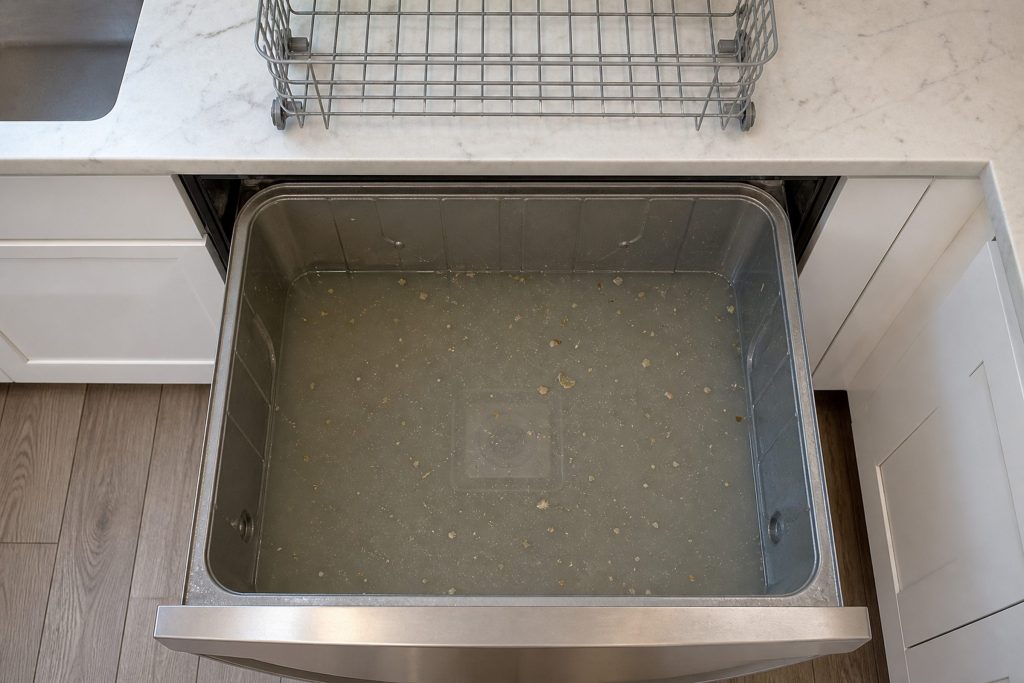
  • Looking straight down into the bottom of an open dish drawer tub half full of dirty gray water that covers the flat filter plate completely, food debris floating on the surface, the wire basket lifted out and standing on the counter behind.
    Water standing in the drawer

    DishDrawer will not drain

    A drawer that finishes — or stops and beeps — with water still in it. The maker publishes a code for this and publishes the causes with it, and both of them are things you can look at yourself before anybody is called.

    What it usually means
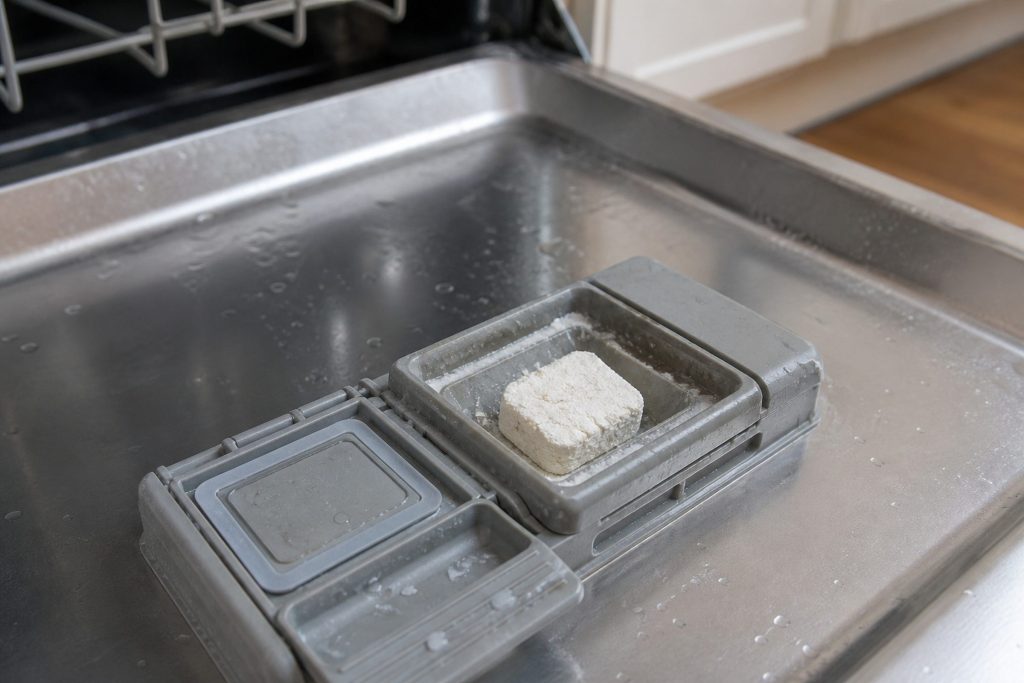
  • An open detergent dispenser cup in a dishwasher door with a caked block of powder still sitting in it after a cycle, the door held horizontal, close focus.
    The tablet did not go in

    Detergent still in the dispenser after a cycle

    The most-linked article this maker publishes about its dishwashers — it appears on thirty-three of its models — and three of its four causes cost nothing to fix. Worth ten minutes before it is worth a visit.

    What it usually means
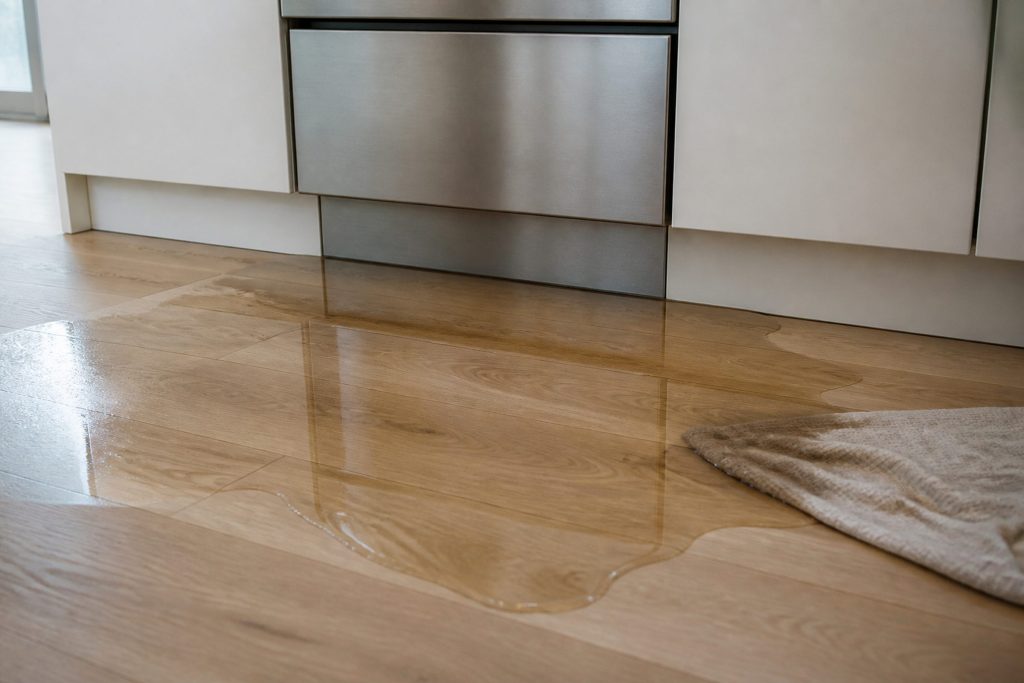
  • A wide puddle of water spread across pale timber flooring at the base of a kitchen cabinet run below a stainless drawer front, the water clearly catching the light and reflecting the cabinets, one corner of a folded towel already dark with it.
    Water on the floor, drawer looks dry

    DishDrawer is leaking water

    Water appearing at the front of the machine while the inside looks perfectly normal. On a drawer that is the expected shape of a leak, because the seal is at the top and whatever escapes it runs down the outside.

    What it usually means
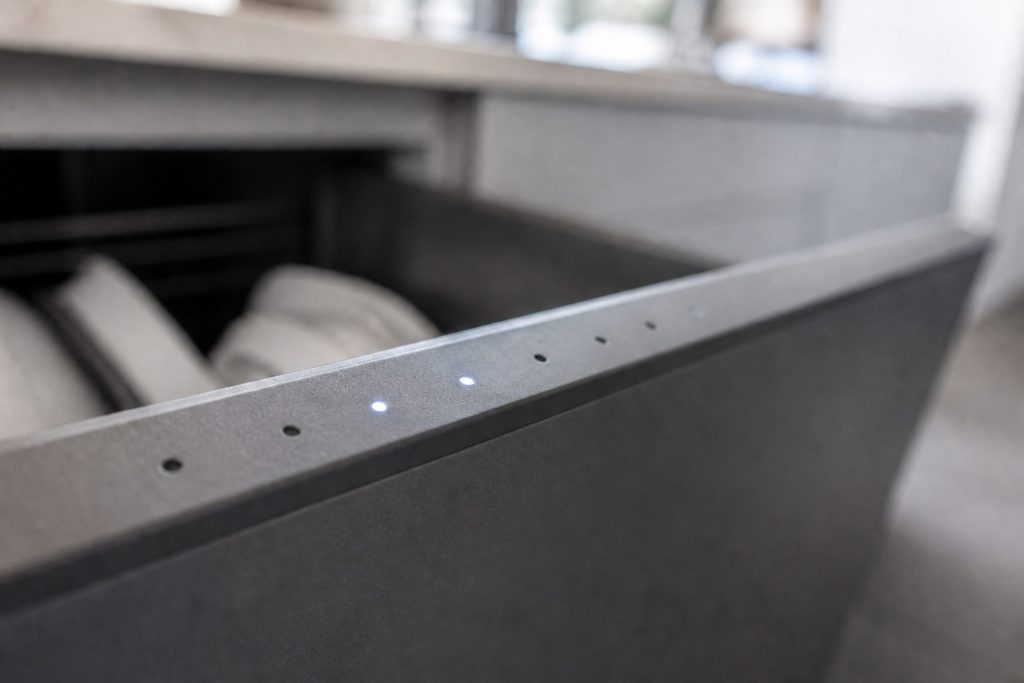
  • A close raking view along the top edge of a dish drawer front where a row of small round indicator lamps sits, two of them lit and no digits or text anywhere.
    The pattern is the code

    DishDrawer flashing and beeping with no number

    These machines have no numeric display, so they report by flashing. Which lights are flashing is the diagnosis, and it is the one piece of evidence that vanishes the moment somebody switches the machine off.

    What it usually means
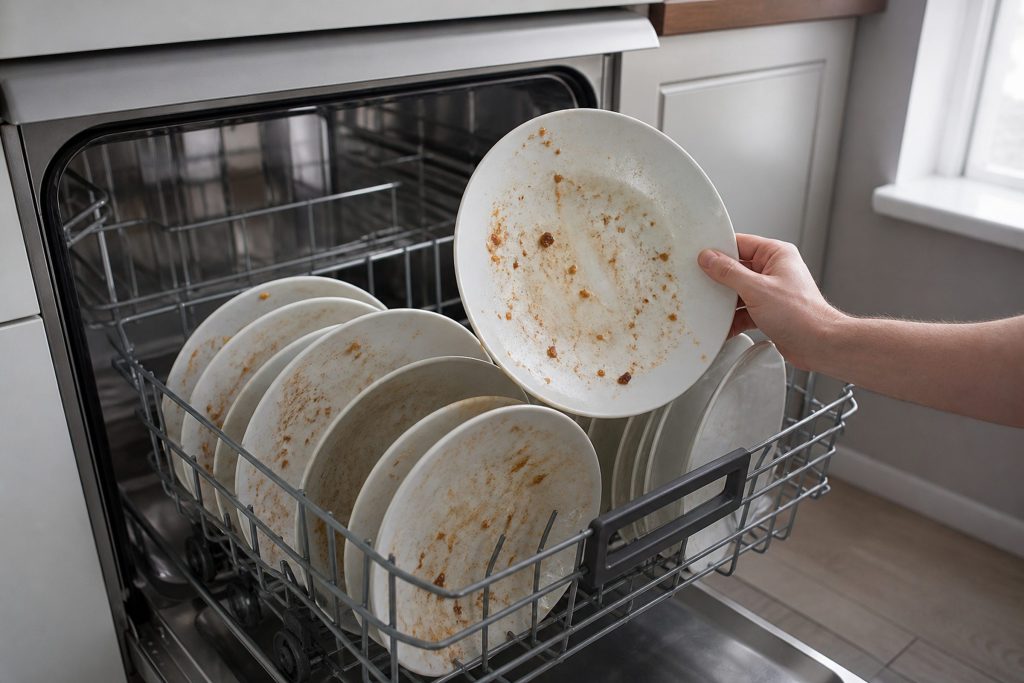
  • An open dishwasher basket of plates with dried food still stuck to them, one plate lifted slightly to show the soiled face, flat kitchen daylight.
    It runs, they are not clean

    Dishes coming out dirty

    A cycle that completes normally and leaves food on the plates. Almost always water — how much arrives, how hot it is, and whether the spray arm can move it around — rather than anything electronic.

    What it usually means
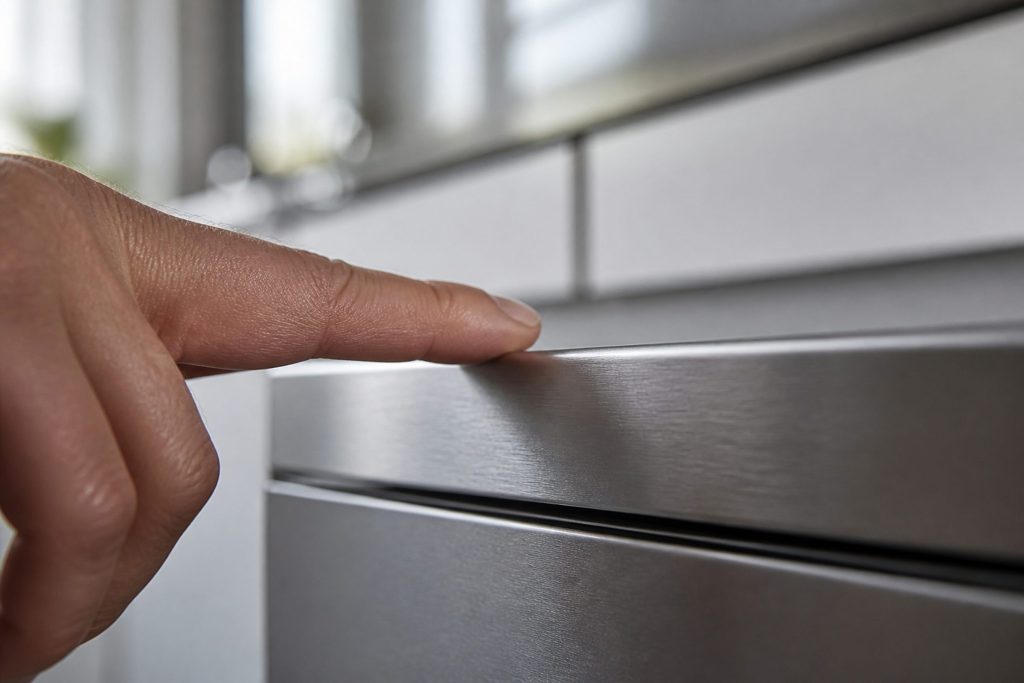
  • A fingertip resting on a blank brushed control fascia at the top edge of a dish drawer front, nothing lit, no characters anywhere, shallow focus.
    Panel lit, nothing happens

    DishDrawer will not start

    A drawer that lights up and refuses to run, or one that does not light at all. Four free causes before any part, and one of them — the machine having shut itself down on purpose — is the one people never guess.

    What it usually means
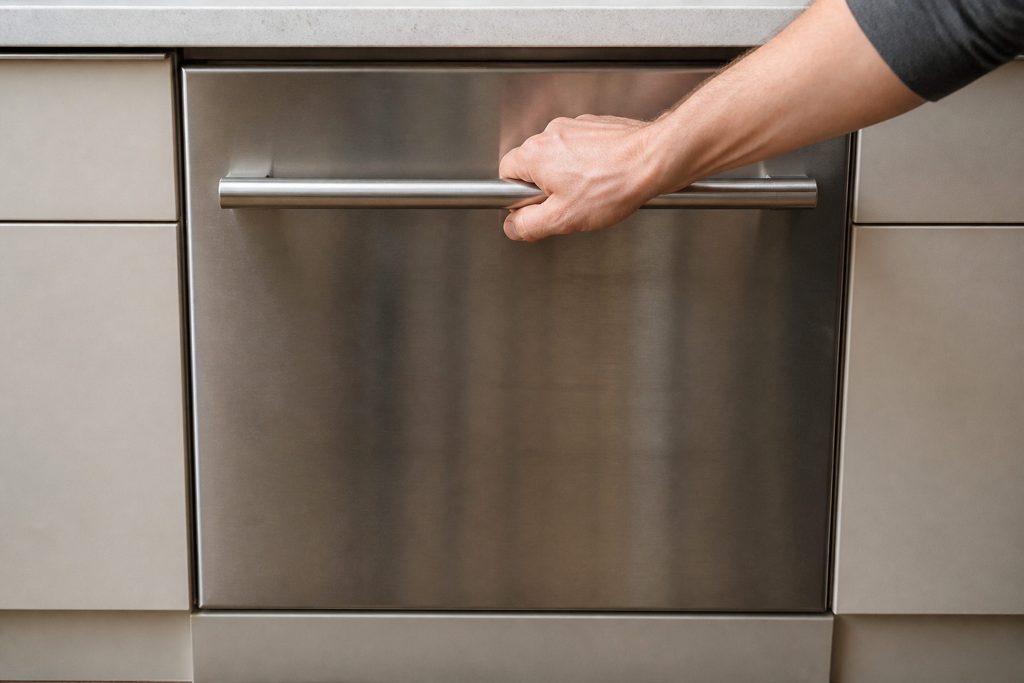
  • A hand pulling firmly on the long bar handle of a stainless dish drawer that has not moved, the drawer front flush with the pale cabinet run either side.
    Shut at the end of a cycle

    DishDrawer will not open

    A drawer that stays closed after a cycle has finished. This is the one symptom on this site where the wrong ten seconds turns a small repair into a large one, so the first instruction is: do not pull on it.

    What it usually means
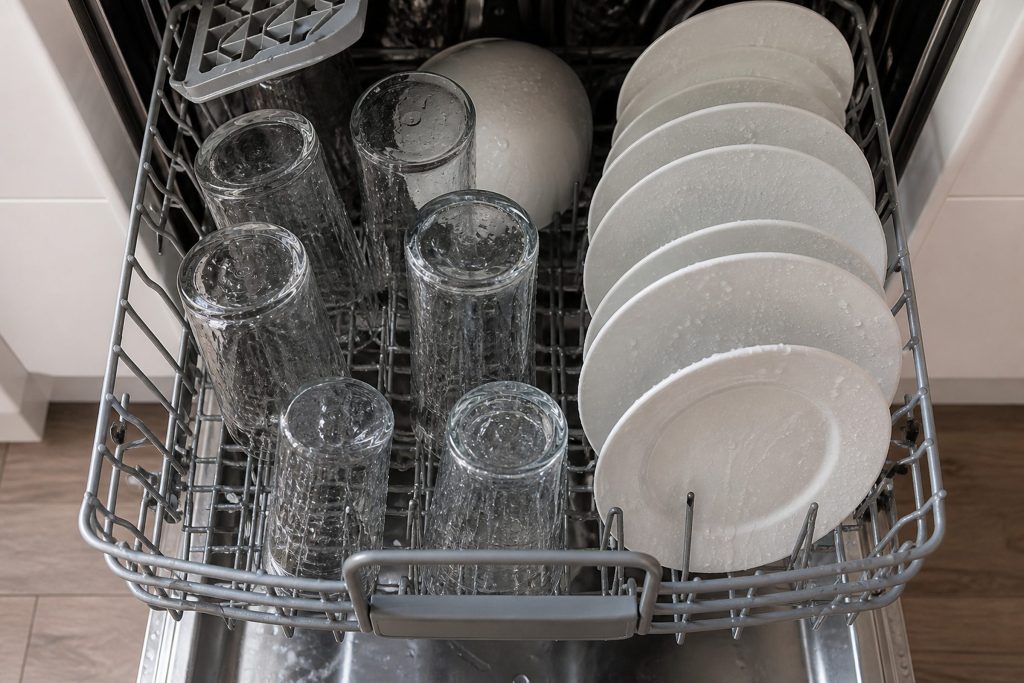
  • Looking down into an open dishwasher basket at upturned glasses and plates still beaded with water at the end of a cycle, steam gone, kitchen daylight from above.
    Everything is wet

    Dishes not dry at the end of the cycle

    Drying on these machines is done with residual heat and a fan rather than a big element, which makes it more sensitive to rinse aid, to loading and to the program than a conventional dishwasher is. Some of what people report here is the machine working as designed.

    What it usually means
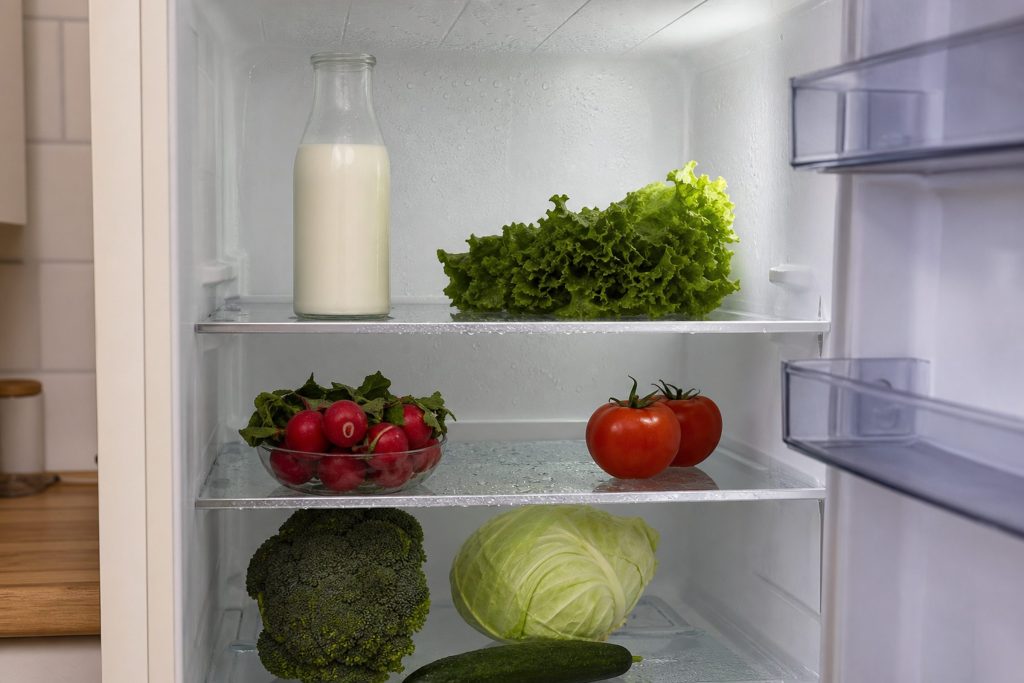
  • The inside of a refrigerator with beads of water on the glass shelves and the back wall, milk and vegetables on the shelves, the door held open, cool interior light.
    Fresh food side going warm

    Refrigerator not cooling

    The fresh-food compartment drifting up while the freezer stays cold. That combination is good news more often than not, because a working freezer proves the sealed system is doing its job and puts the problem somewhere ordinary.

    What it usually means
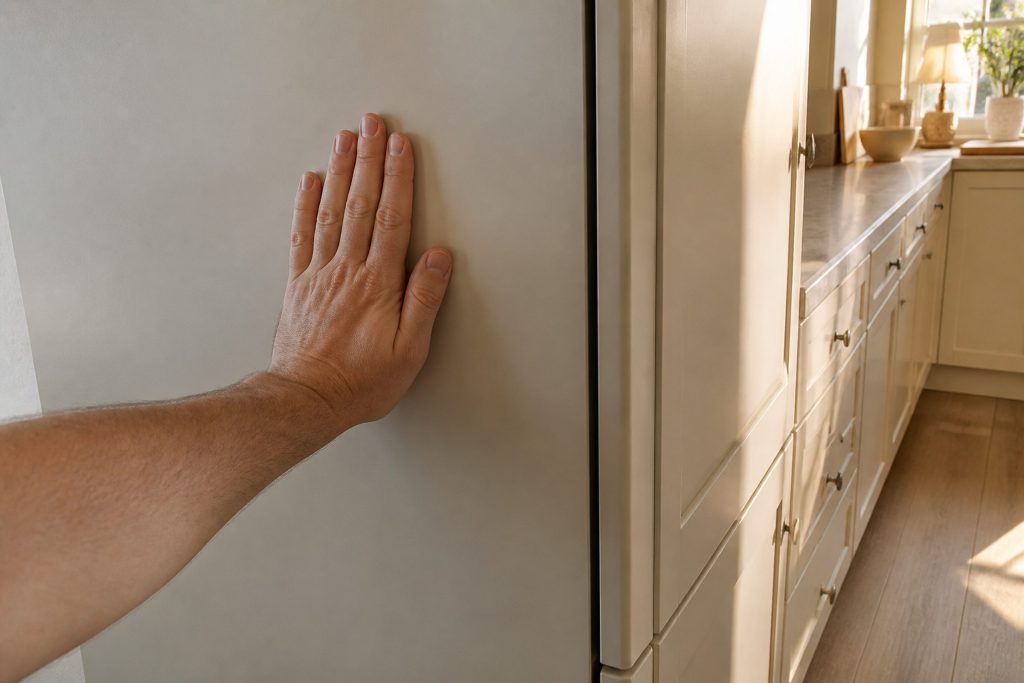
  • A flat palm resting against the tall side panel of a built-in refrigerator column in a pale kitchen, the cabinet run beside it, warm afternoon light.
    Usually not a problem

    The outside of the refrigerator feels warm

    The most-linked refrigeration article this maker publishes — it appears on forty-nine of its models — and the answer is usually that the machine is working correctly. Which is worth saying plainly before anybody spends anything.

    What it usually means
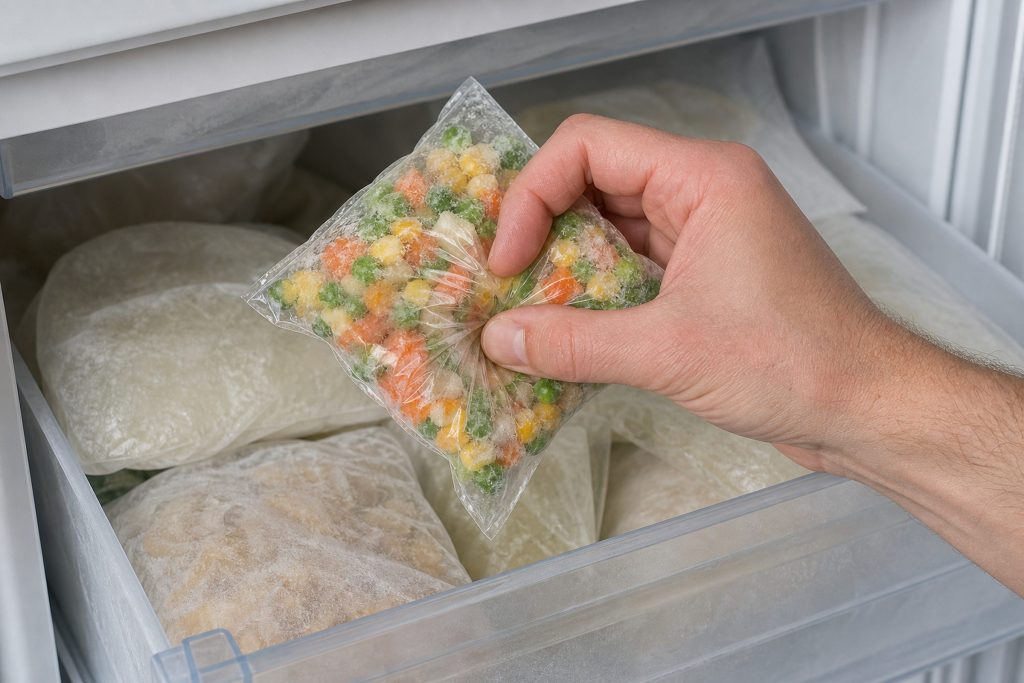
  • A freezer bag of vegetables being squeezed between finger and thumb so it plainly gives, held over an open freezer drawer full of frosted packets.
    The freezer is losing it

    Frozen food going soft

    Ice cream that will not set, bags that have gone pliable, or a freezer that is holding a few degrees too warm without ever alarming. It rarely fails all at once — it drifts, which is why people notice it in the food before they notice it in the machine.

    What it usually means
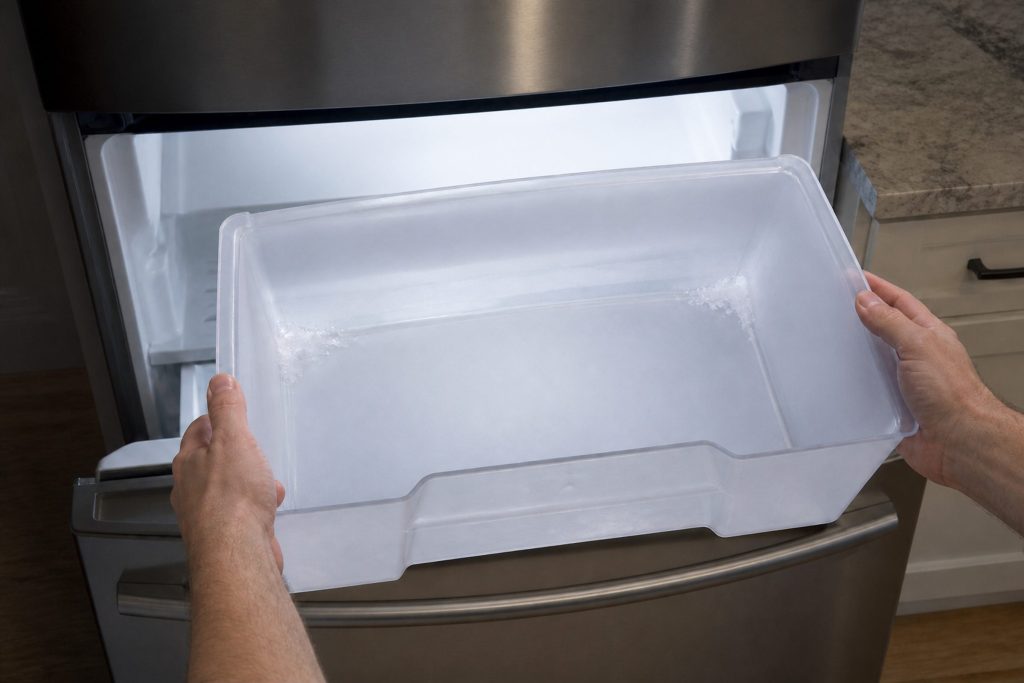
  • An ice bin pulled out of a freezer drawer and held in two hands, empty except for a scatter of frost in the corners, the open freezer bright behind it.
    Empty bin, or slow, or small

    Ice maker not making ice

    Four complaints that arrive as one: nothing at all, too slowly, cubes too small, or ice that tastes wrong. The first two things to check are the filter and the water pressure reaching the machine, not the ice maker.

    What it usually means

When there is no number at all

A code is not the whole diagnosis, and it is not the limit of what we repair.

Most of what goes wrong on this equipment never produces a number: a burner that will not hold a simmer, a drawer that will not open, a wine cabinet two degrees warm, a dryer that has quietly got slower.

If your machine is misbehaving without saying anything, describe it in your own words when you book — that is most of our work.

About these codes

The questions this archive is asked

Why does my code have no meaning on your page?

Because the manufacturer does not publish one. On its ovens it groups around sixty F numbers into four families and prints a single instruction for all of them; on refrigeration, freezers, wine cabinets and induction cooktops it does the same. We publish the family and say so. A table that assigned a specific meaning to each number would look more useful and would be invented, and an invented code meaning costs you a visit.

Another site lists a meaning for every number. Are they wrong?

They are certainly not reading it off this maker's own paper, because this maker does not print it. Some of those lists are other brands' tables with the badge changed, which on a maker as unusual as this one — a dishwasher that is a drawer, refrigeration that reports by beeping — is a good way to arrive at the wrong part.

The same code appears on two of my appliances.

Then they are two different conditions. A1 is an overheated oven and a DishDrawer that did not fill; A3 is an oven door that will not unlock and a drawer that will not drain. This is the single most important thing to know about this maker's codes, and it is why every page here names the machine in its title.

Can I just reset it?

Often, and the maker publishes how: power off at the supply, wait — one minute for most conditions, five for the lettered oven ones — then restart. What matters is what happens next. A code that stays away was a control that locked up; a code that returns immediately is the machine reporting something it can still see, and that is a real condition rather than a glitch. Either way, write it down before you clear it.

Why is there nothing here for my older machine?

Because the maker's US support base lists only machines it still sells — every model in it has at least one finish still current. The DishDrawer generations of the 2000s and the SmartDrive laundry are not in it, so there is no first-party table for them to read. We would rather say that than publish something we cannot stand behind. Tell us what the machine is doing and we will work from that.

Do you charge to read a code?

No. Tell us the code and the machine when you book and we will narrow it on the phone at no cost. What is charged is the diagnostic visit, from $95, and it is credited toward the repair when you go ahead.

In more detail

Where these 234 conditions come from, and why most of them arrive as families

The maker’s own web pages for this are gone

The address that used to publish this maker’s error codes now redirects to a marketing site, and the knowledge base behind it asks for a login on every article. So this archive was not copied from a page; it was read off 122 of the maker’s own English user guides, downloaded as PDFs, plus its public support data and the 150 troubleshooting articles it wrote about its own machines. Fifty-seven of those guides carry a chapter of codes, and between them those chapters reduce to seven distinct tables.

Twenty-five carry a printed meaning. The other 209 are published as families

That is the honest shape of this maker’s documentation, and it is worth knowing before you trust a longer list somewhere else. Where a guide prints “temperature sensor errors — F3, F4, F5”, we publish that as a family and the page says so in its first paragraph. What we do not do is invent a specific meaning for F4 because a page needed one. A code page that is confidently wrong costs you a part, and then a visit.

The number belongs to the machine, not to the badge

This is the single most useful thing to understand about this maker’s codes. A1 is an oven that has overheated and a DishDrawer that did not take water. A3 is a door that will not unlock and a drawer that will not drain. Every page in this archive names the appliance in its title for that reason, and the search above returns the appliance beside the code rather than the code alone.

And a great deal of this equipment has no number at all

A DishDrawer has no display: it flashes a pattern of program and modifier lights, and that pattern is the code. A refrigerator counts beeps and lights an LED — the maker’s own instruction is to count them, because five beeps is F5. An induction cooktop can show a bare E with nothing after it, and not one of this maker’s forty-six cooktop guides carries a code table of any kind. If your machine is telling you something without a number, the symptom pages are the main road rather than the fallback.
Tell us the code and the machine it is on.

Both halves matter on this maker. You will have the scope and the price in writing before anything is opened.

This article is based on:

  • Official manufacturer documentation
  • Internal repair procedures
  • Technician repair history
  • Company quality standards
Call (305) 902-4477