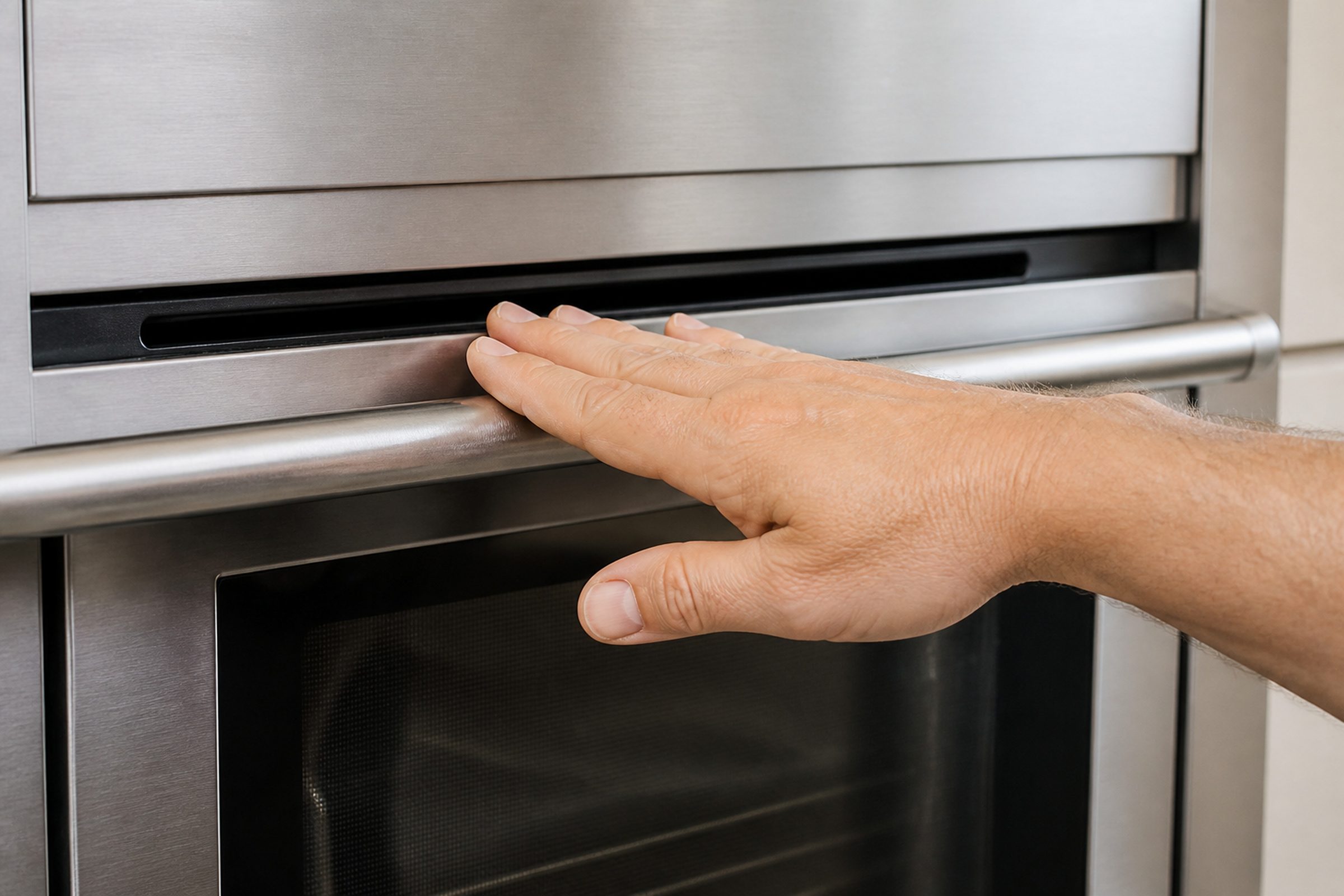
- “The fan runs on after cooking”
- “It runs for a very long time after a clean cycle”
- “It has become louder than it was”
Symptom
Fisher & Paykel oven fan keeps running after it is turned off
A fan that carries on after the oven is off, sometimes for a long time. The maker publishes an article on it because it worries people, and on a built-in oven it is exactly what should happen — with two exceptions worth knowing.
- From $95 diagnostic, credited to the repair
- 59 cities and neighborhoods covered
- OEM parts available on order
- In writing the price, before anything is opened
Five ordinary causes
What this usually turns out to be
Cheapest and commonest first, which is also the order we check them in. They sit hundreds of dollars apart, and only the unit settles which one is yours.
-
Normal cool-down
The design. The fan protects the electronics and the cabinetry around the oven, and it decides when it is done rather than running on a timer.
Appliance maintenance visit from $135 -
A very long cool-down after self-clean
Also normal, and the version people report most. The cavity was far hotter than usual.
Appliance maintenance visit from $135 -
The thermal sensor that stops it
The genuine failure: the fan never stops because nothing tells it the oven is cool. Worth a call.
Oven control & display repair from $215 -
The fan bearing
A fan that runs correctly and has become louder. A warning rather than a failure, and the right time to act.
Oven control & display repair from $215 -
Restricted airflow around the oven
A housing without the ventilation the installation instructions asked for makes the fan run longer every time.
Appliance installation & re-fit from $175
In five minutes
Before you call anybody
None of it needs tools, and all of it makes the visit shorter.
-
01
Wait until the oven is properly cold
Hours, not minutes. If the fan stops then, nothing is wrong.
-
02
Notice whether it is louder
Volume matters more than duration on this page.
-
03
Check what the oven last did
A clean cycle explains a very long run. Ordinary baking does not.
-
04
Look at the housing
A cabinet without ventilation openings makes every cool-down longer, and it is an installation matter.
-
05
Then book if it never stops
A fan running on a cold oven the next morning is a real symptom.
How it shows up
What people describe when they call
In more detail
About Fisher & Paykel oven fan keeps running after it is turned off
The fastest diagnosis is the code
Let it finish. On a built-in oven the electronics sit in the same box as the cavity, and the cooling fan runs on until the temperature comes down — after a self-clean cycle that can be a long time. Two things are worth a call and the rest is not: a fan that never stops on a completely cold oven, and a fan that has become noticeably louder than it used to be.
Why a built-in oven has to cool itself
Because it lives in a box. A freestanding oven can shed heat into a room; an oven built into a tall housing shares that housing with its own control board and with your cabinetry. The cooling fan runs on until the temperature is down, and it decides when that is rather than running for a set time.
The two versions that are symptoms
A fan that never stops on a genuinely cold oven — usually the sensor that decides when to stop. And a fan that has got louder — a bearing on its way out, which is a warning worth acting on because a cooling fan that seizes leaves the electronics unprotected.
The installation angle
A housing cut without the ventilation the instructions asked for makes every cool-down longer and every summer worse. On a kitchen renovated around an existing oven it is common, and it is a carpentry job rather than an appliance repair.
This article is based on:
- Official manufacturer documentation
- Internal repair procedures
- Technician repair history
- Company quality standards
Before you book
Questions about Fisher & Paykel oven fan keeps running after it is turned off
How long is too long?
Overnight is too long. After ordinary cooking, tens of minutes is normal; after a self-clean cycle it can be a couple of hours. A fan still running on a cold oven the next morning is the version worth calling about, and it is usually the sensor that decides when to stop rather than the fan itself.
Is it using much electricity?
No — it is a small fan. What it is doing is protecting a control board and the cabinetry the oven is built into, both of which are considerably more expensive than the running cost. It is one of the few appliance behaviors where the annoying thing is also the useful one.
It has got much louder recently.
That is the one to act on. A fan bearing gives you exactly this warning before it fails, and a cooling fan that stops leaves the electronics with no protection. Louder is the right moment to call rather than the moment after.
Where we do it
Across Miami-Dade, Broward, and Palm Beach
Same terms everywhere we go: an on-site diagnostic first, the price agreed in writing, and the exact figure confirmed once we have seen the unit.
Neighborhoods people ask for by name