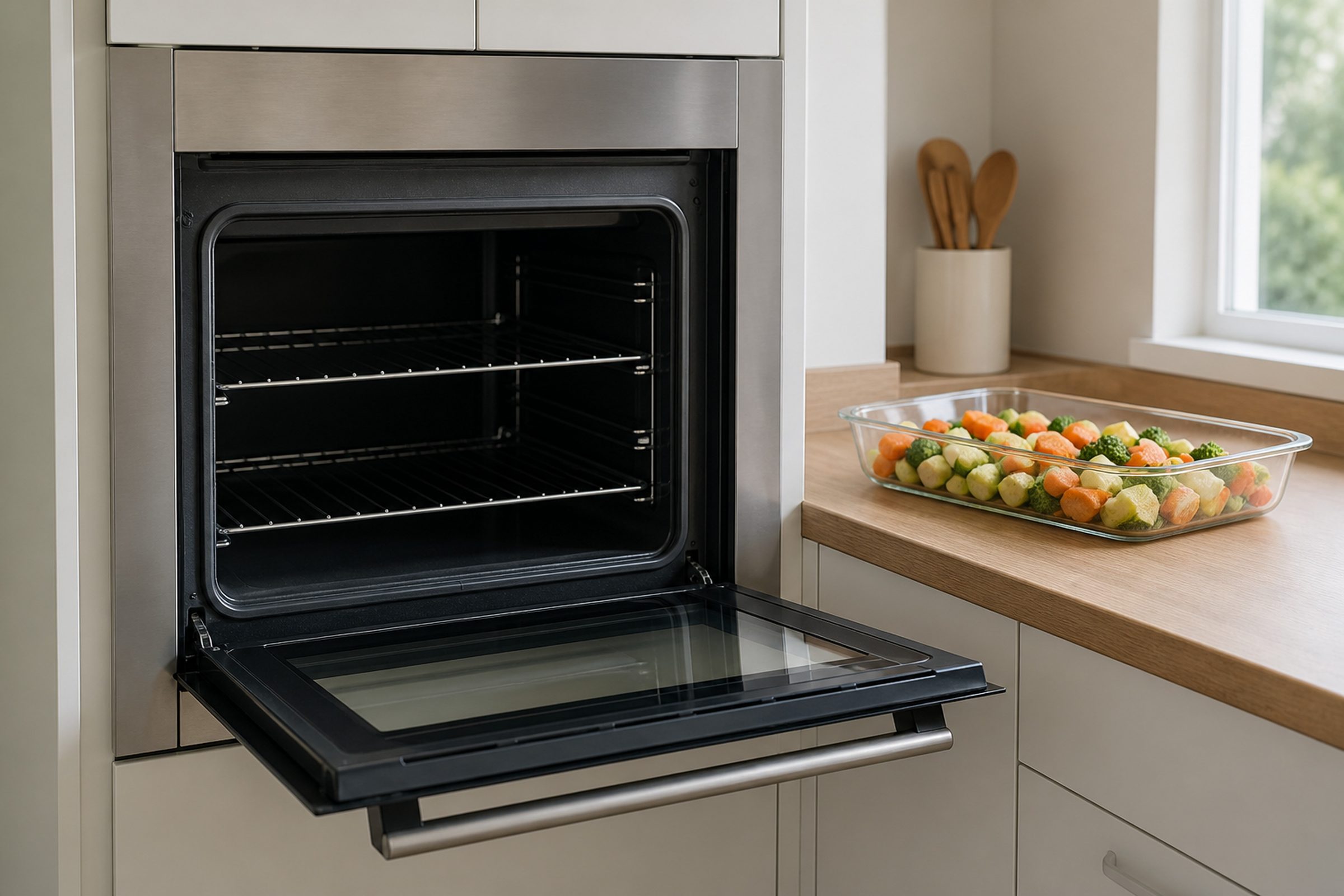
- “The controls work and nothing gets hot”
- “It worked until the last clean cycle”
- “One cavity of a double works and the other does not”
Symptom
Fisher & Paykel oven display is on but it does not heat
One of the maker's most-linked oven articles, and a real spread of causes: an element, the temperature sensor, the relay that switches the element, or a thermal cut-out that did its job after a self-clean and has not reset.
- From $95 diagnostic, credited to the repair
- 59 cities and neighborhoods covered
- OEM parts available on order
- In writing the price, before anything is opened
Five ordinary causes
What this usually turns out to be
Cheapest and commonest first, which is also the order we check them in. They sit hundreds of dollars apart, and only the unit settles which one is yours.
-
A thermal cut-out after a clean cycle
Self-clean drives the cavity to temperatures nothing else does. A cut-out that has opened gives you a live display and a cold oven.
Oven heating & sensor repair from $185 -
A failed element
Open circuit, often with nothing visible to look at. Measured rather than inspected.
Oven heating & sensor repair from $185 -
The temperature sensor
A sensor reading wildly wrong can leave the control refusing to heat at all.
Oven heating & sensor repair from $185 -
The relay on the control board
The switch between the control and the element. The oven commands heat and nothing is delivered.
Oven control & display repair from $215 -
One leg of the supply
On an electric oven, a two-pole breaker with one leg tripped gives lights and no heat. Free to check and genuinely common.
Oven heating & sensor repair from $185
In five minutes
Before you call anybody
None of it needs tools, and all of it makes the visit shorter.
-
01
Both poles of the breaker
Off and fully on again. A half-supplied electric oven does exactly this, and it is not an appliance repair.
-
02
Listen
Fan, relay click, anything. Silence and activity are different diagnoses.
-
03
Remember the last clean cycle
If that was the last thing it did, say so. It changes where we start.
-
04
Try the other cavity
On a double, an oven that works proves the supply and most of the control for free.
-
05
Then book the visit
Model number, which cavity, whether anything runs, and whether it self-cleaned recently.
How it shows up
What people describe when they call

A shortcut
Narrow it down before anybody arrives
A description of the behaviour leaves a few possible causes. A code names the subsystem before anybody opens anything, which is why it is worth photographing before it clears.
If the display is showing something
- F101 Electronic control error
- A1 The oven has overheated and has suspended every
- A1 The oven side of the range has overheated
Photograph it before it clears — codes do not wait. Search the full code list
In more detail
About Fisher & Paykel oven display is on but it does not heat
The fastest diagnosis is the code
Notice whether anything at all is running while it fails to heat. A completely silent cavity and one where the fan runs point in different directions, and it costs nothing to establish. Then think back to whether the last thing it did was a self-clean cycle — if so, a thermal cut-out has very likely opened, and that is a specific and ordinary repair rather than a dead oven.
A live display proves quite a lot
It proves the oven has power, the control is running and the panel is working. What it does not prove is that the control can deliver heat — and between the control and the element there is a relay, a thermal cut-out and, on an electric machine, a second leg of the supply. Any of those can leave you with a lit panel and a cold cavity.
The self-clean connection
If the last thing the oven did was clean itself, start there. A self-clean cycle is the most extreme thing an oven ever does, and the thermal protection that exists for it is exactly what opens afterwards. It is common, it is specific, and it is much smaller than the failure people fear.
Why the sensor is checked even here
Because it is the cheapest part involved, and because a sensor reading wildly wrong can make a perfectly healthy oven refuse to heat at all. Measuring it takes minutes and it is done before anything is ordered.
This article is based on:
- Official manufacturer documentation
- Internal repair procedures
- Technician repair history
- Company quality standards

Before you book
Questions about Fisher & Paykel oven display is on but it does not heat
It stopped working right after a self-clean.
That is the most useful sentence on this page. Self-clean takes a cavity to temperatures nothing else does, and the thermal cut-out that protects the oven is exactly what opens when the heat has nowhere to go. It gives you a live display and a completely cold oven, and it is an ordinary repair rather than a dead appliance.
The top oven works and the bottom does not.
Good news, and worth saying on the phone. A working cavity proves the supply, the display and most of the control, which narrows the search to that cavity's element, sensor and relay. It also means you can keep cooking while the part is on order.
There is an F number on the display.
Write it down exactly. The maker groups its oven F numbers into electronic control, model identification, door lock, and sensor or system, and publishes one instruction for all of them — power off, wait a minute, restart. It does not publish a meaning for each number and neither do we. What the family does is tell a technician which half of the machine to start in.
Where we do it
Across Miami-Dade, Broward, and Palm Beach
Same terms everywhere we go: an on-site diagnostic first, the price agreed in writing, and the exact figure confirmed once we have seen the unit.
Neighborhoods people ask for by name